Vector Databases & Embeddings 101
Vector Databases & Embeddings 101: How Machines Actually "Understand" Meaning
You've built a search bar. A user types "how do I get my money back," hits enter, and your keyword search comes back empty — even though your docs have an entire page titled "Refund Policy" sitting three clicks away. The words don't match. "Money back" isn't "refund." To a LIKE '%money%back%' query, or even a fairly good full-text search index, those are two unrelated strings. To a human being, they're obviously the same question. This is the exact gap vector embeddings and vector databases were built to close, and it's worth understanding what's actually happening under the hood — because "just throw it in a vector DB" is advice you'll hear constantly, and it's only useful once you know what a vector database is actually storing and why.
What Vector Embeddings Actually Are
An embedding is a list of numbers that represents the meaning of a piece of text (or an image, or audio — but let's stick with text). A sentence like "how do I get my money back" might become something like [0.014, -0.221, 0.087, ..., 0.056] — usually somewhere between 300 and 1500 numbers long, depending on the model. On its own, that list of numbers means nothing to a human. But it means something in relation to other lists of numbers.
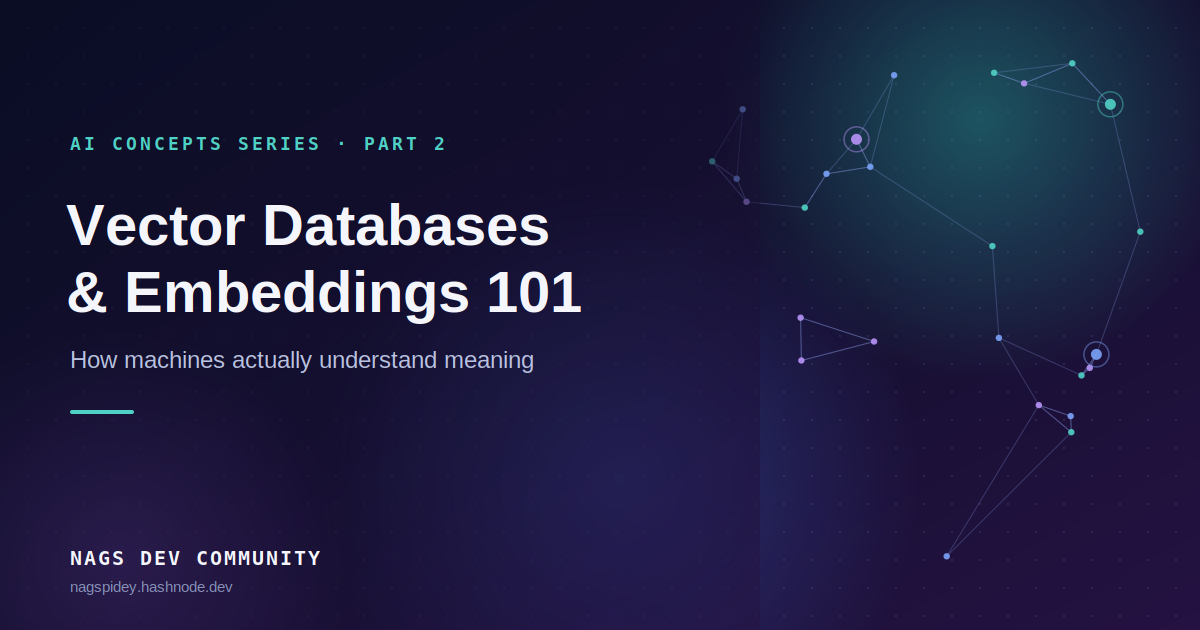
Here's the intuition that actually sticks: think of embeddings as GPS coordinates, but for meaning instead of geography. Two cities close together on a map share a lot of context — same weather, same time zone, similar culture. Two pieces of text with similar embeddings share meaning, even if they don't share a single word. "How do I get my money back" and "What's your refund policy" end up as nearby points in this space. "How do I get my money back" and "What's the capital of France" end up nowhere near each other. The embedding model's entire job is to place text into this space so that "nearby" reliably means "related in meaning."
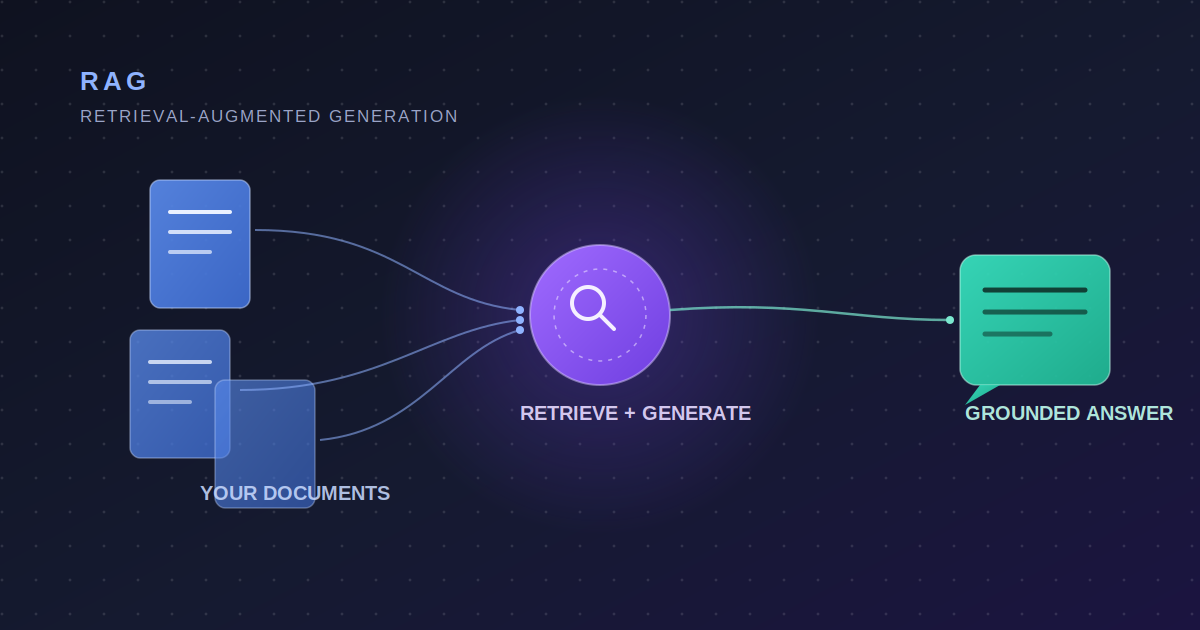
This is what makes semantic search possible, and it's also the retrieval half of RAG, which I covered in the last post — if a chatbot is going to pull the right paragraph out of your docs to answer a question, it needs some way to measure "which paragraph is actually about this" that doesn't depend on exact word matches. Embeddings are that mechanism.
The Core Technical Pieces
Turning text into vectors
An embedding model is a neural network trained specifically to produce these number lists — not to generate text, just to represent it. Models like OpenAI's text-embedding-3, Cohere's embed-v3, or open-source options like all-MiniLM and BGE all do this same job with different trade-offs in accuracy, speed, and vector size. You feed text in, a fixed-length vector comes out. The same model has to embed everything in your system — your documents and your search queries — because the whole trick only works if both sides were mapped into the same space by the same rules.
Measuring "closeness"
Once everything is a vector, you need a way to measure distance between two of them. The most common approach is cosine similarity, which measures the angle between two vectors rather than the straight-line distance between them — this matters because it makes the comparison mostly about direction (meaning) rather than magnitude (text length). A score close to 1 means "very similar," close to 0 means "unrelated," and negative means "opposite." Some systems use dot product or Euclidean distance instead, which behave slightly differently, but the goal is the same: turn "how alike are these two pieces of meaning" into a single comparable number.
Actually finding the nearest neighbors, fast
Here's the part that makes a vector database a database and not just a Python list. If you have 50 documents, you can brute-force it — compare your query vector against every single one and sort by score. If you have 50 million document chunks, brute-force comparison becomes too slow to run on every query. Vector databases (Pinecone, Weaviate, Qdrant, Milvus, or pgvector bolted onto Postgres) exist to solve this specific problem: finding the approximate nearest neighbors to a query vector, fast, at scale.
They do this with indexing structures built for high-dimensional data — HNSW (Hierarchical Navigable Small World graphs) is the one you'll see most often. Instead of comparing your query to every vector, HNSW builds a layered graph where each vector is connected to its nearest neighbors, so a search can "hop" toward the right neighborhood in a handful of steps instead of scanning everything. You trade a small amount of accuracy (it's approximate nearest neighbor search, not exact) for search times that stay fast even as your dataset grows into the millions.
A Real-World Example
Picture a mid-sized SaaS company with three years of closed support tickets. A new support rep gets a ticket: "app crashes when I export to CSV on the mobile view." Keyword search against the ticket archive returns nothing useful — maybe a handful of tickets that happen to contain the word "export," none of them relevant. So instead, every past ticket gets embedded once and stored in a vector database, alongside its resolution notes. When the new ticket comes in, it gets embedded the same way, and the system pulls the nearest 5 tickets by vector similarity. It surfaces three past tickets about mobile export failures — none of which use the word "crash," one of which literally says "app freezes" instead — because the embedding model captured that "crashes" and "freezes" and "fails to export" are describing the same category of problem. The rep gets a fix pattern in seconds instead of digging through a ticket archive by hand.
Why Not Just Use Regular Search?
Keyword and full-text search (think Elasticsearch, PostgreSQL's tsvector, or a plain LIKE query) aren't obsolete — they're just solving a different problem. They're excellent when the exact words matter: searching for an error code, a product SKU, a customer's exact name. They're fast, cheap, easy to debug, and don't require you to run an embedding model over your entire dataset. Vector search's advantage is entirely about meaning over matching — but that advantage comes at a real cost: you now need to generate and store embeddings for everything, pay for (or host) an embedding model, and maintain a separate index that has to stay in sync with your source data.
In practice, most production systems that need both end up doing hybrid search — running a keyword search and a vector search in parallel and combining the results, because "find me invoice #4471" and "find me tickets like this one" are genuinely different kinds of questions, and neither approach is strictly better at both.
A Pitfall Worth Knowing
Vector similarity measures relatedness, not correctness — and conflating the two is one of the most common mistakes teams make once they've got a vector database running. A query about "how to cancel my subscription" will retrieve chunks that are semantically close to cancellation — which might include your cancellation policy, but might just as easily surface your refund policy, your subscription upgrade page, or a churn-prevention FAQ, because all of those live in roughly the same neighborhood of "subscription lifecycle" meaning. The vector database did its job perfectly; it found things that are related. Whether the top result is the right answer to the user's actual question is a separate concern entirely, and it's why naive "just embed everything and retrieve the top match" systems produce confidently wrong answers more often than teams expect. This is usually fixed with better chunking (so related-but-distinct topics don't get blended into one vector), metadata filtering (restrict the search to the right document category before ranking by similarity), or a re-ranking step after retrieval — but it never gets fixed by just using a "better" embedding model, because the model isn't the part that's broken.
The Takeaway
Vector embeddings turn meaning into something a computer can measure, and vector databases make it possible to search that meaning at scale without brute-forcing every comparison. That combination is the quiet infrastructure behind semantic search, recommendation systems, and — as covered in the last post — the retrieval half of RAG. Once you know that "vector search" really just means "turn everything into coordinates for meaning, then find the nearest neighbors fast," a lot of the tooling around it stops feeling like magic and starts feeling like a design decision with real trade-offs.
Next up in this series: prompt engineering beyond the basics — what actually changes model behavior once you're past "write clear instructions," and why the same prompt can perform differently depending on what you put around it.